

Getting Started
Connect a GitHub repository, name it, and deploy your first Next.js app to lilylabs.app.
The platform takes a Next.js repository from GitHub, builds it on our infrastructure and puts it online. From a fresh account to a live URL is four steps, and none of them ask you to configure a server.
Your projects
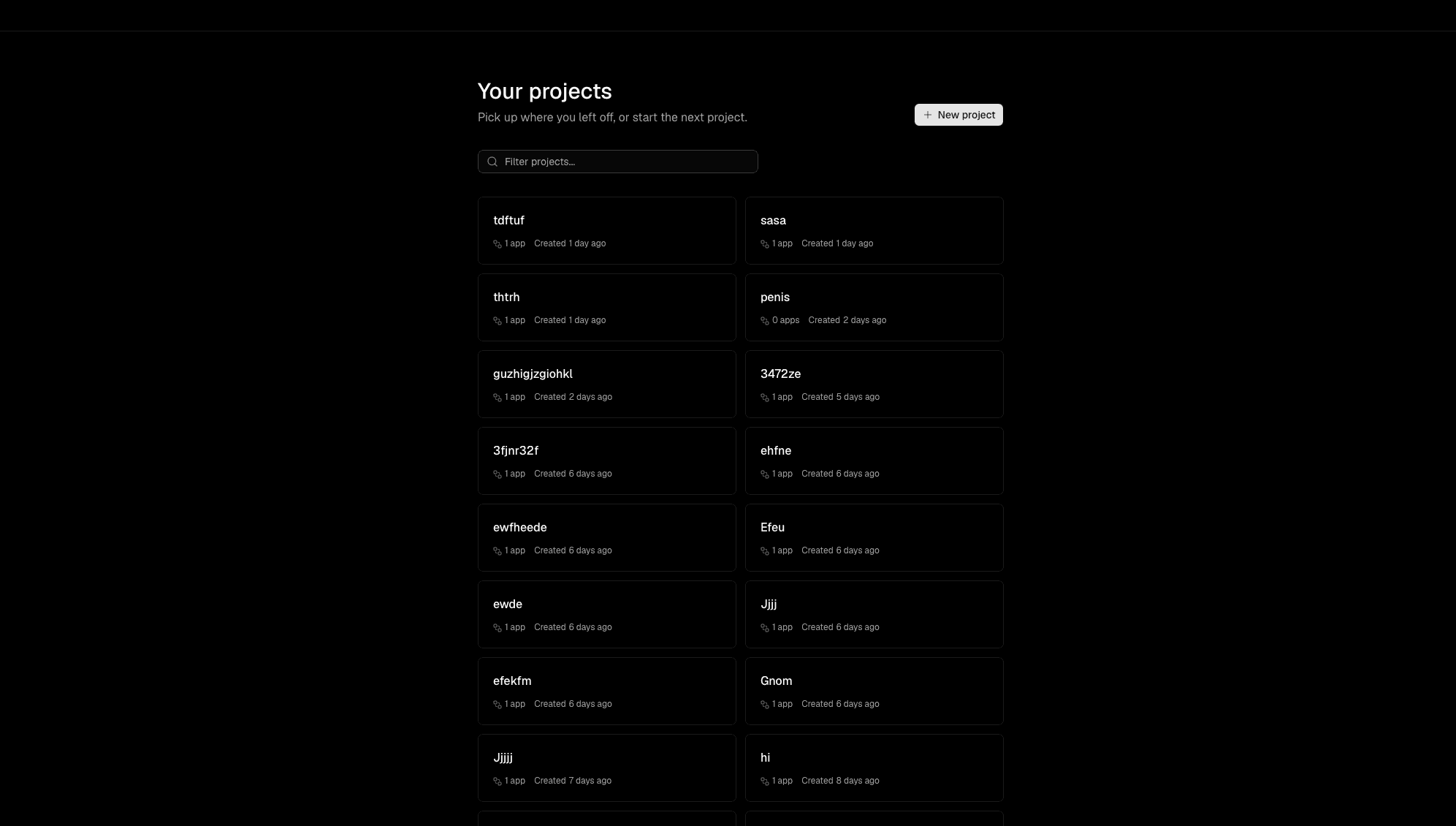
Signing in drops you on the project overview. It lists every project you own, each one showing how many apps it holds and when it was created, with a filter at the top once the list grows. A project is a container: it is created together with its first app, and further apps can live alongside it later.
New project
Starting something new is the New project button in the top right of the overview. It walks through four steps.
Connect GitHub
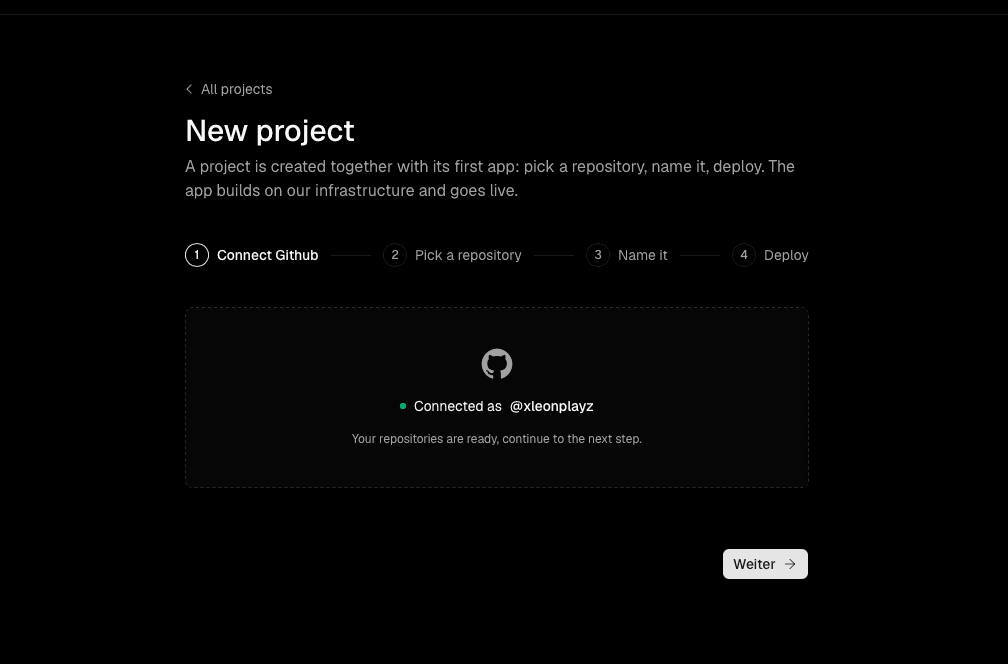
The first step confirms which GitHub account you are working from. GitHub is currently the only source we deploy from, so this connection is required before anything else happens — without it there are no repositories to choose from.
If the account is already linked, the step shows it as connected and you can continue straight away.
Pick a repository
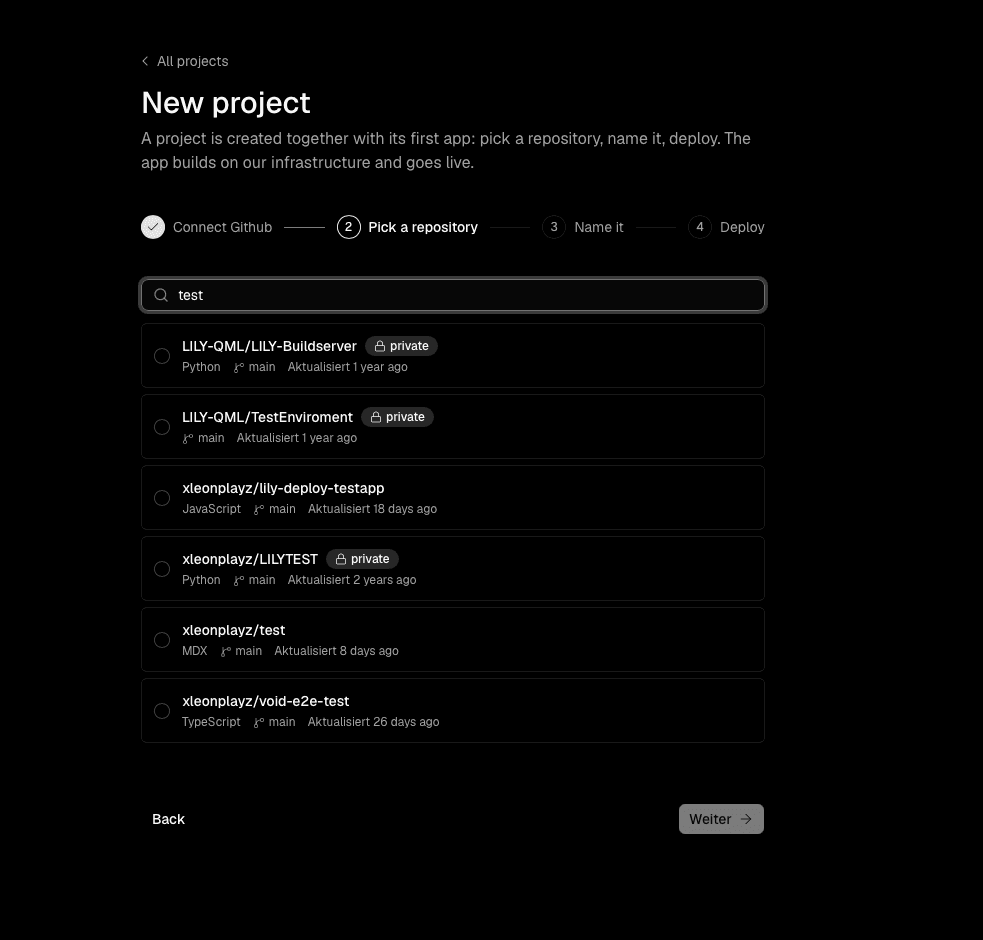
Next you choose the repository to deploy. Search by name and select one from the list; private repositories are included, and each entry shows its language and the branch we will build from.
Name it
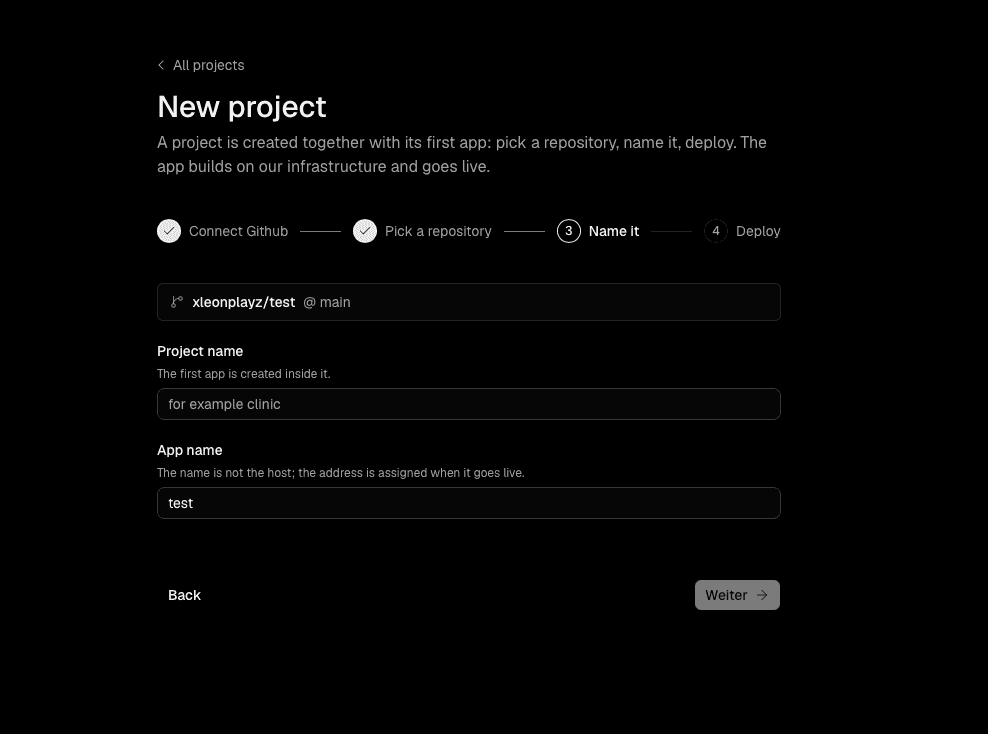
Now give the project a name, and the app inside it a name of its own. Both are labels for your own orientation in the dashboard.
The app name is not the address
The name you enter here does not become the hostname. The public address is assigned separately once the app goes live.
Deploy
The last step shows a summary of what is about to happen — repository, branch, project and app — and then runs the deployment.
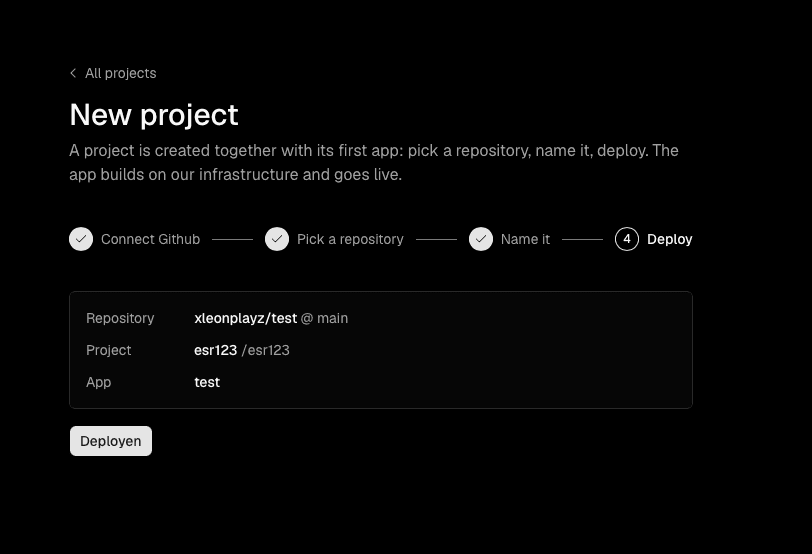
It moves through Queued while it waits for a build slot, Building while the app is compiled, and finally Live.
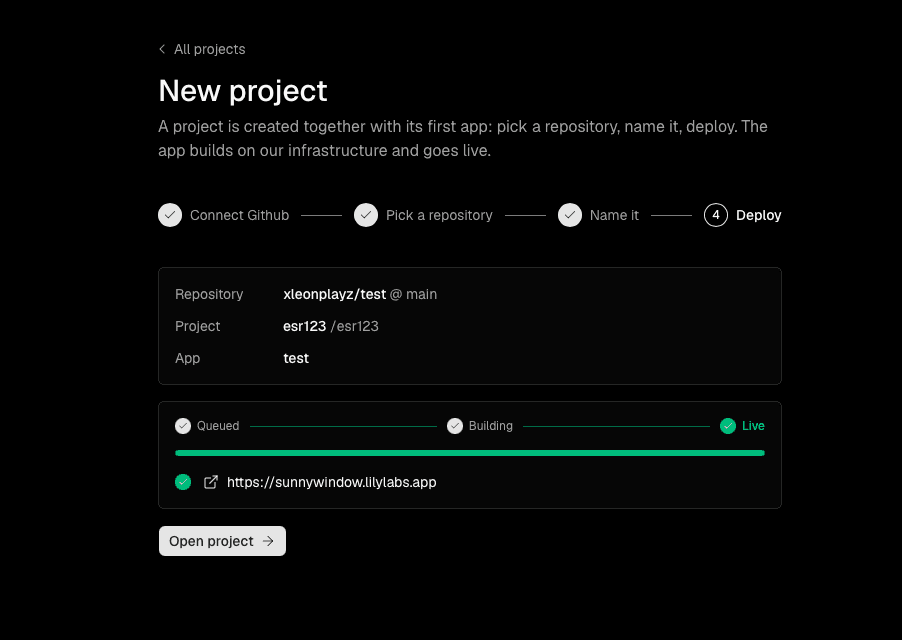
When it turns live you get the URL. Every app is published on a randomly generated subdomain of lilylabs.app, for example https://sunnywindow.lilylabs.app. The name is assigned by us and is not derived from your project or repository name.
That is the whole flow. From here, Open project takes you into the app.
What is supported today
The platform is early, and two limitations are worth knowing before you pick a repository:
- Next.js only. We build and host Next.js applications. Other frameworks are not supported yet, and a repository containing one will not deploy.
- No environment variables. There is currently no way to carry environment variables over to a deployed app. If your project reads configuration or secrets from the environment at build or runtime, it will not work as it does locally.