

Troubleshooting
GitHub is not connected to your account
LILY cannot read a repository because GitHub is not connected, the connection expired or the repository is not visible to it.
LILY fetches your code through the GitHub connection of your account. These messages mean the connection is missing, has expired or does not see the repository.
What you see
In the CLI:
GitHub is not connected to your account; connect it at … and run the command againGitHub shows no repository `acme/shop` to your accountIn the console:
Repository not found or privateYour access has expired. Reconnect to search your repositories again.Why it happens, and the fix
| Message | What it means | Fix |
|---|---|---|
GitHub is not connected to your account | Your LILY account has no GitHub connection yet | Open the link in the message, connect GitHub and run the command again. In the console, select Connect in the Repository step. |
the GitHub connection has to be renewed, Your access has expired | The connection expired | Connect again. In the console, select Reconnect your GitHub. |
GitHub shows no repository `…` to your account, Repository not found or private | The connected GitHub account cannot see that repository | Check that the connected account can open the repository on GitHub, and that the name is written as owner/name |
GitHub rate limit reached, GitHub cannot be reached right now | GitHub is limiting requests or is unavailable | Wait a few minutes and try again |
The repository could not be scanned. | LILY reached the repository but could not read it | Check that the branch exists, then try again |
In the console, the Repository step of a new project offers the connection:
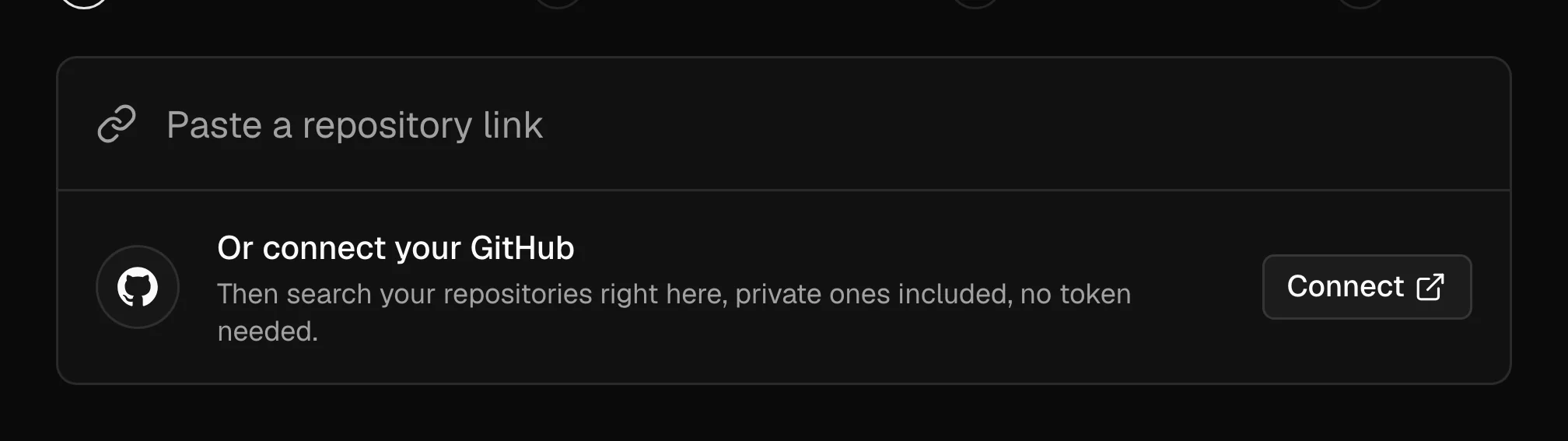
A public repository can be deployed without a connection by pasting its link. A private repository always needs the connection.
If it is still not working
Send a report through Feedback & Reports in the console sidebar. Include the full message, the project and app name, and the time it happened.